
01
Create a project
Open CineBible, click New Project, and name it after the spot, film, scene, or client job.
CineBible keeps approved prompts, seeds, thumbnails, character locks, reference IDs, and version history organized by project so every tool in the workflow can reuse the same production truth.
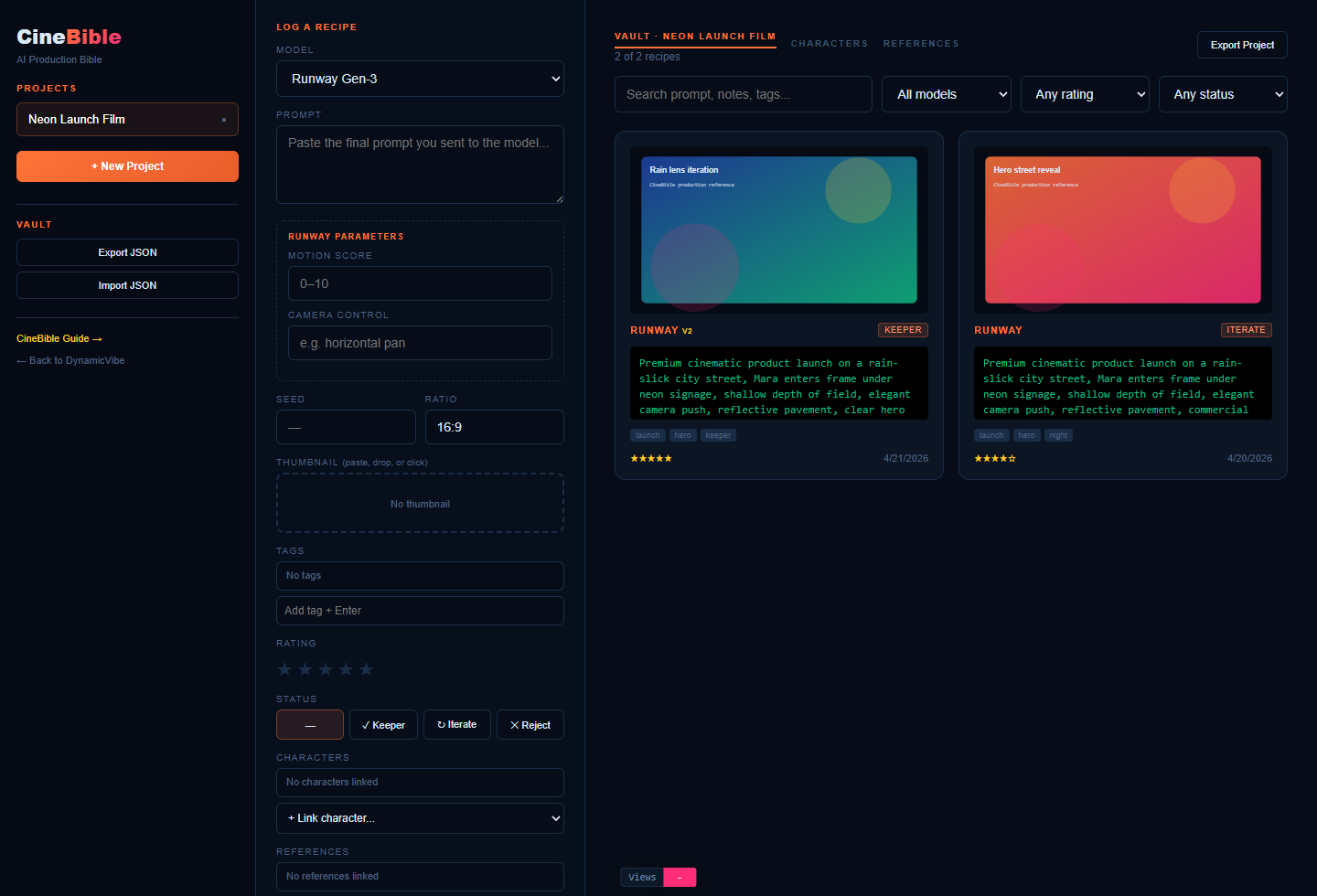
Use this sequence when you need to turn scattered prompts and references into a reusable project bible.
Open CineBible, click New Project, and name it after the spot, film, scene, or client job.
Paste the final prompt, model, seed, ratio, tags, rating, status, notes, and thumbnail into the recipe form.
Open recipes, copy prompts, fork versions, link characters and references, then export JSON for backup or handoff.
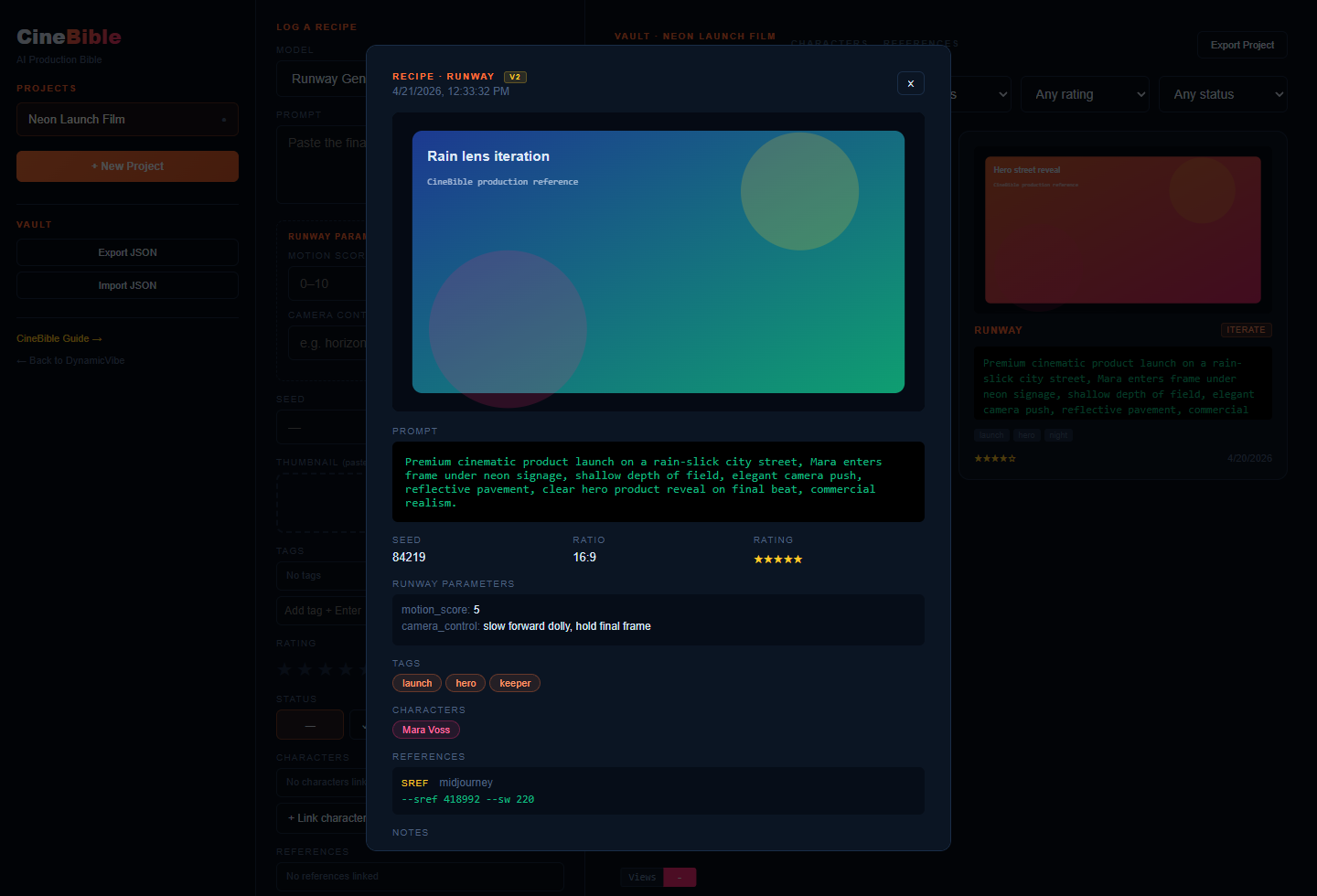
The right pane is where the project becomes searchable production memory.
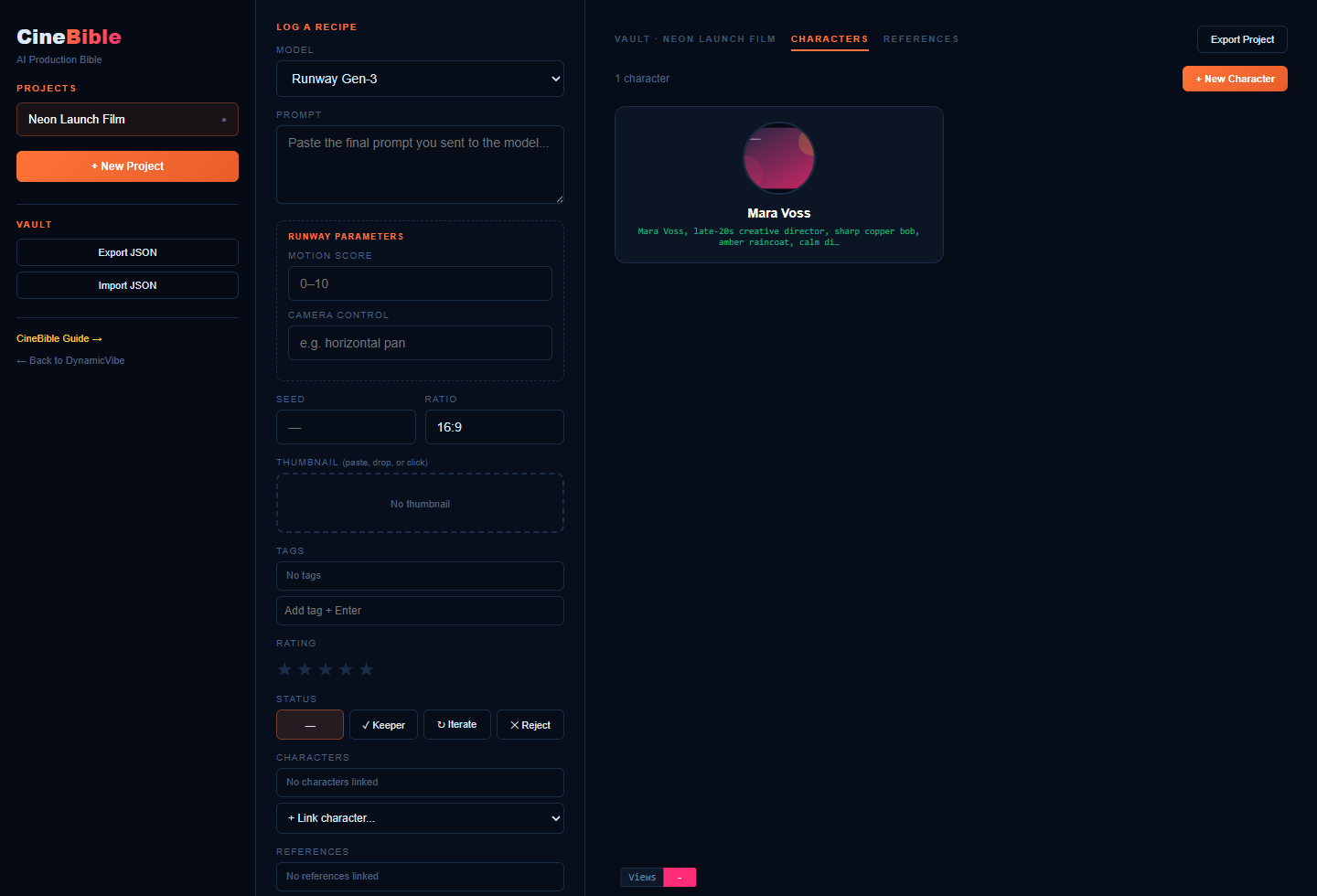
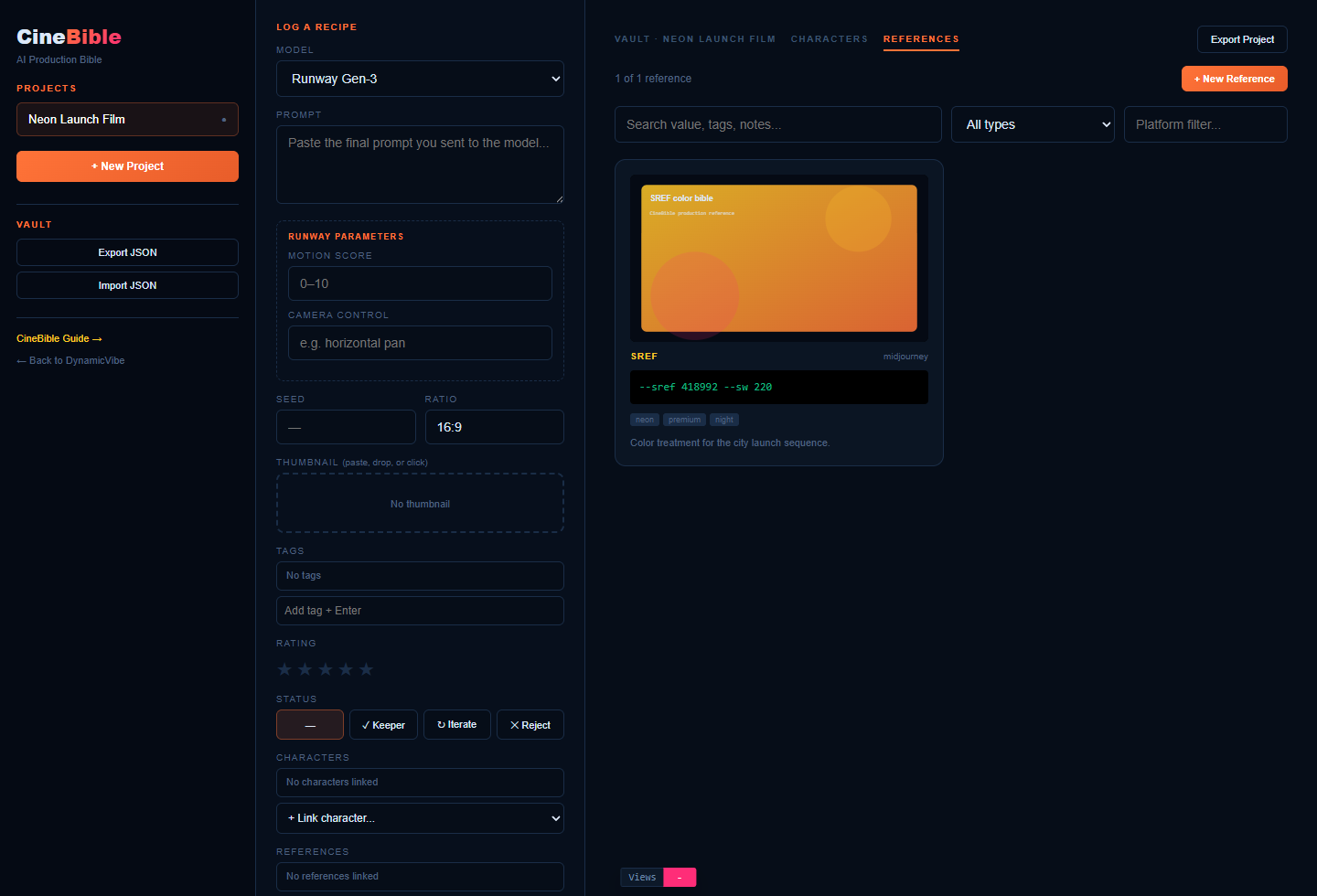
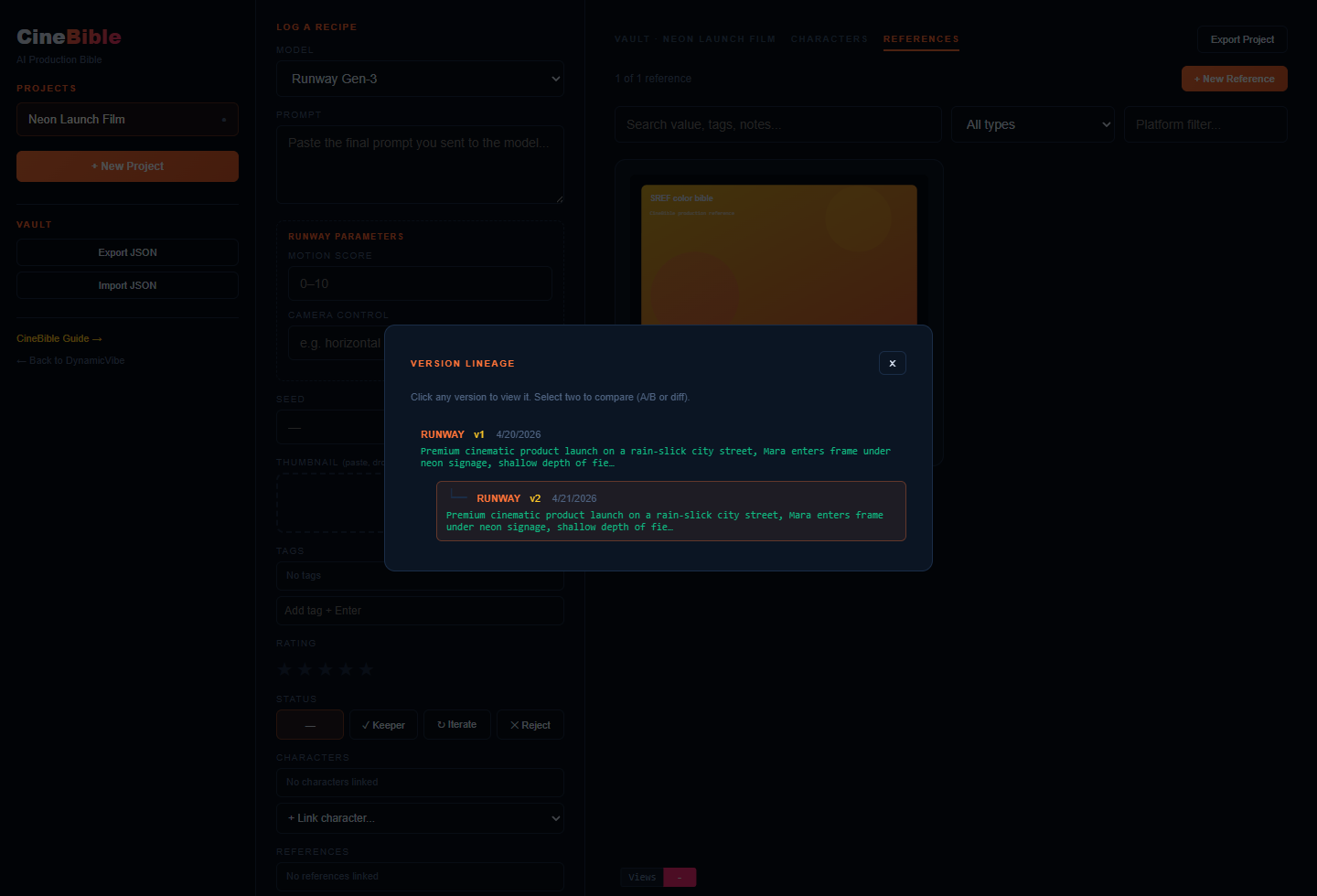
A practical order for commercials, AI films, music videos, and recurring brand assets.
Do not rely on model history. Log the output as soon as you know it may be reused.
Attach characters and reference IDs to recipes so future prompts inherit the same continuity controls.
Export project JSON before client review, production transfer, or major prompt experiments.