Pick a family
Start from a preset or choose Static, Dolly, Truck, Crane, Pan, Tilt, Orbit, Tracking, Handheld, Drone, or Dolly Zoom.
Field guide · Camera Motion DNA
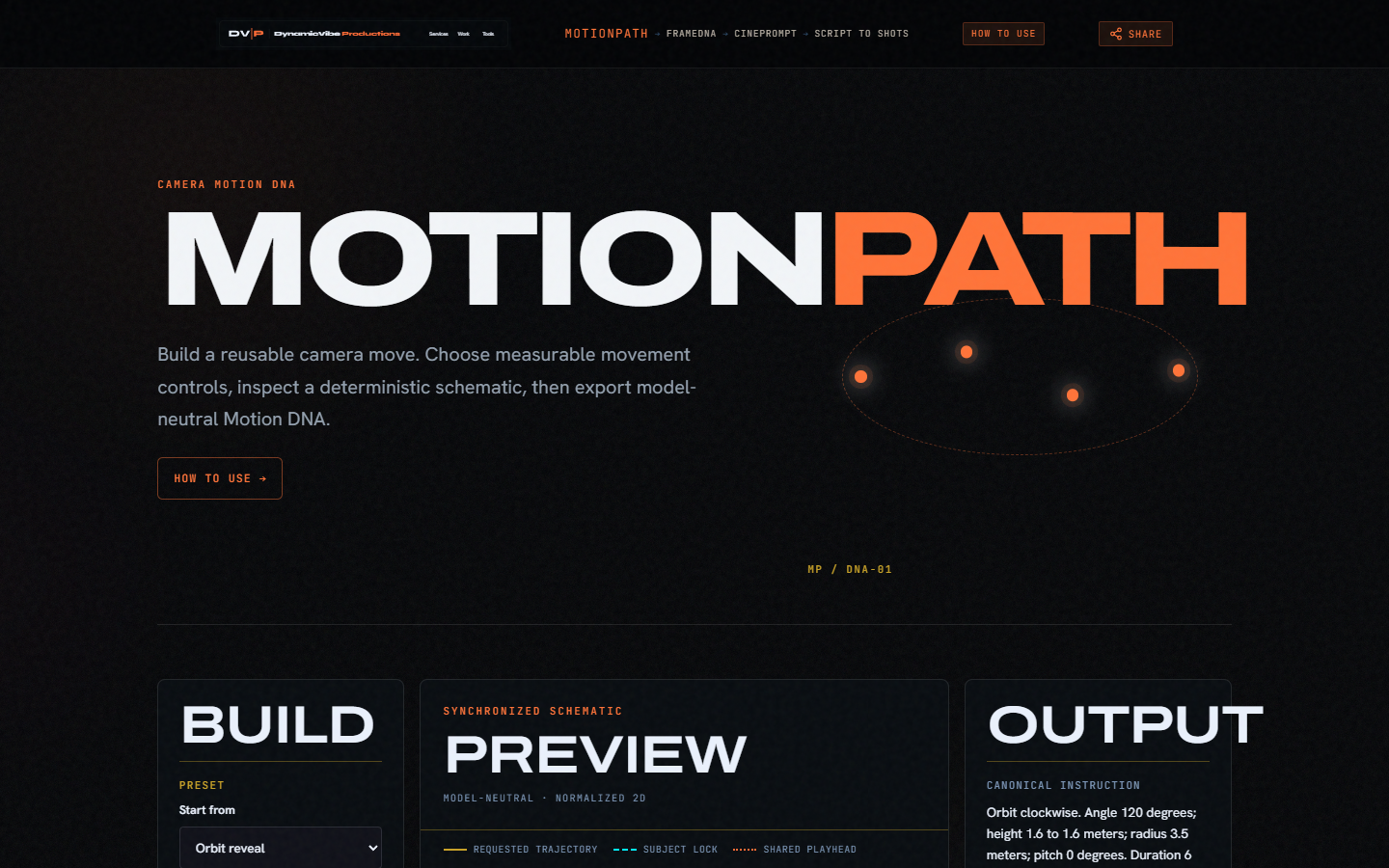
MotionPath turns selected controls into Camera Motion DNA: a model-neutral record that drives a schematic preview, canonical language, model translations, local recovery, portable JSON, optional Vault, and bounded same-origin handoffs to CinePrompt, FrameDNA, and Script to Shots.
The workflow
Start from a preset or choose Static, Dolly, Truck, Crane, Pan, Tilt, Orbit, Tracking, Handheld, Drone, or Dolly Zoom.
Set direction, meters, degrees, subject, and look-at target. Authored numbers stay visible on the schematic.
Every move has one entry, travel, and settle phase. Enabled shares total 100 percent.
Top, side, and timing views share one playhead. Scrubbing never dirties the draft.
Copy, export JSON, save to Vault, or hand off to CinePrompt, FrameDNA, or Script to Shots.
Movement families
Holds the camera position; optional orientation and framing changes remain visible.
Moves forward or backward along the camera axis.
Moves left or right perpendicular to the camera axis.
Changes height, optionally with a horizontal reveal distance.
Rotates the camera left or right from a fixed position.
Rotates the camera up or down from a fixed position.
Samples a clockwise or counterclockwise arc around the primary subject.
Keeps a lead, side, or follow offset from a moving subject marker.
Uses a deterministic seed and bounded intensity for a repeatable schematic envelope.
Combines horizontal travel and vertical interpolation.
Pairs dolly movement with an opposing field-of-view change; model support may be limited.
Timing
Every move has one entry, travel, and settle phase. Enabled phases total 100 percent; a disabled phase has a zero percent duration. Use the explicit Normalize phases action when you want the shares adjusted—MotionPath never changes them silently.
Each phase has an easing profile. The timing view uses the same normalized phase progress as the schematic preview, so the shared playhead does not change the stored Motion DNA.
Framing lock
Each framing mode owns a deterministic cone direction, and authored yaw and pitch remain deliberate offsets on that direction.
Aims at the primary subject or optional look-at target for the whole move.
Biases the subject-facing direction 35 percent toward the requested path heading.
Begins on the path heading and resolves toward the subject in proportion to eased move progress.
Follows the requested path heading independently of the subject marker.
Preview
Plan view of trajectory, subject lock, and camera stations.
Height, tilt, vertical travel, and horizon behavior.
Entry, travel, and settle speed with a shared playhead.
Top, side, and timing views show normalized coordinates while preserving requested meters, degrees, and seconds in labels. They explain requested path, orientation, height, phase boundaries, and speed; they do not guarantee lens physics, real-world rig constraints, scene collision, or a generated model result.
Playback, scrubbing, and stepping only move the preview playhead. They never mutate Motion DNA or mark a local draft dirty.
Translations
The canonical instruction is always model-neutral. Selecting a checked-in model profile may reorder language, use its preferred vocabulary, and display support warnings. MotionPath distinguishes what the DNA requests, what the translation expresses, and what is unconfirmed. It never promises a guaranteed or exact result.
Persistence
Your active draft is saved to this browser about 300 milliseconds after the latest valid edit. Invalid edits remain in memory without replacing the last valid local copy. If browser storage is unavailable or full, MotionPath keeps the in-memory draft and reports a warning so you can export JSON. A corrupt saved record is quarantined in place rather than deleted or merged into defaults, and ordinary edits cannot overwrite those stored bytes. Replacing it with a valid import or permanently removing it with Reset requires explicit confirmation; Reset clears only the MotionPath draft key. That is the local draft.
Portable files use a sanitized .motionpath.json filename and the frozen motionpath.motion-dna/v1 schema. Top-level version: 1 identifies that schema format; it is not a draft revision, and unknown schema versions are rejected. The separate lineage.localRevision is an integer from 1 through 2,147,483,647. An otherwise-valid legacy v1 file may omit only that revision: MotionPath normalizes the omission to 1 before validation. A present invalid revision is never repaired, and every newly persisted or exported document includes the field. That local revision is not the schema version.
Import reads only the file you explicitly select and is limited to 256 KiB. MotionPath checks the file type, size, JSON syntax, unsafe keys, schema format, and complete normalized record before replacing the current draft. A successful import creates a fresh local ID with source: imported, uses the imported Motion DNA ID as parentId, increments its local revision, and carries any Vault record ID forward. Local recovery preserves the stored identity, parent, revision, timestamps, and Vault lineage. Any failure leaves the current draft unchanged. Export and import work without Vault or a network connection. JSON stays local.
Save to Vault is optional. It opens DVP Vault same-origin (or local file:), waits for ready, and posts a correlated dvp-save-motion message. The default action is Save as new version. Update existing appears only for a valid Vault-linked draft and asks you to confirm the Vault record name before overwriting that library entry in place. Open from Vault launches pick-motion mode; the selected library record is never assigned directly to the draft. MotionPath normalizes the Motion DNA (filling only a legacy omitted lineage.localRevision to 1), validates it, associates lineage.vaultRecordId with the selected Vault library id, validates again, then derives a fresh local draft with source: vault, a new local id, parentId set to the picked Motion DNA id, lineage.localRevision incremented by one, and the Vault record id preserved. Top-level version stays the schema-format value 1. Popup blocked, timeout, close, or rejection leave the draft untouched and point you to Export JSON. Motion DNA never rides in the URL or analytics—only mode, target, source, and a bounded correlation id.
Send to CinePrompt, Send to FrameDNA, and Send to Script to Shots stage a single-use sessionStorage envelope (dvp.motionpath.handoff/v1) that holds the canonical instruction, optional model instruction, compact Motion DNA, and lineage. The browser then opens the tool with only ?source=motionpath—Motion DNA never rides in the URL, query fragment, or analytics. Each envelope expires after ten minutes, is size-bounded to 256 KiB, carries a one-time nonce, and is removed on first successful consume. If handoff storage is unavailable or the write fails, you stay in MotionPath and can Copy or Export JSON. Same-origin HTTP is the supported cross-page handoff path; Chromium file: origins do not share sessionStorage across pages, so local file: opens will not deliver the envelope. Receiver pages apply only their camera-motion surface when their integration is active; local authoring, recovery, import, export, and optional Vault save/open never depend on those receivers.
Version one
MotionPath version one is control-driven and preset-first. It supports one primary subject and one optional look-at target. It accepts no image, audio, or video media uploads, and it requires no account, API key, backend, or network request for core authoring, preview, local draft recovery, checked-in translation, or JSON export.
Next move
Author once, inspect the schematic, then send the same record to Vault or the next tool in the suite.
Back to the MotionPath studio